Switching to PintDeck
Sign up in minutes. Switch at your own pace.
Bring in the beer list you already have, start from a template, and keep your old menus running until you’re ready. You get 14 days free.
- 01Sign up in minutesMake an account and pick what to set up first: menus, kegs, regulars, or all three. No sales call.
- 02Try it free for 14 daysUse it for real on the plan that fits. Nothing is charged until your trial ends, and you can cancel anytime.
- 03Bring your beers inImport a spreadsheet, your POS item list or another menu app’s export, or type them in. Messy is fine.
- 04Start from a templatePick a look for your TV, website and printed menus, then change anything you like.
Bring your beers in
Drop in the list you already have.
A spreadsheet, your POS item export or another menu app’s CSV. Messy is fine: the import sorts out the columns, styles and prices with you. Brew history comes in the same way.
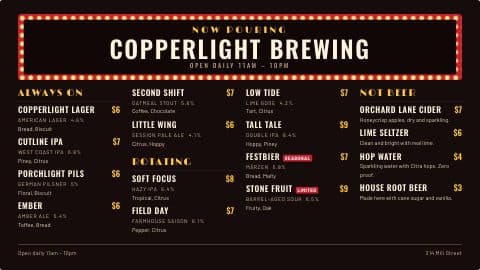
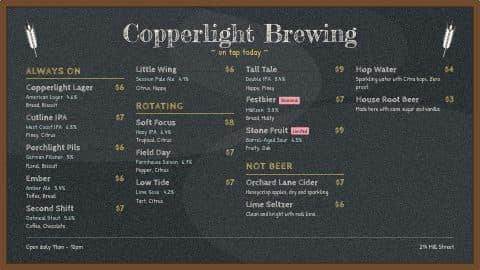
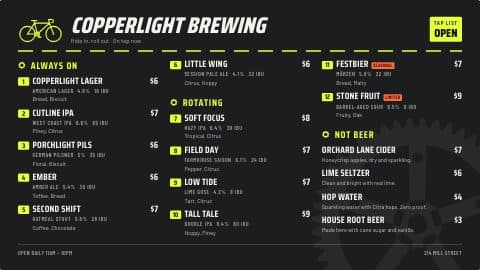
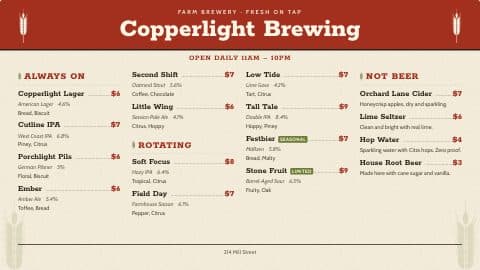
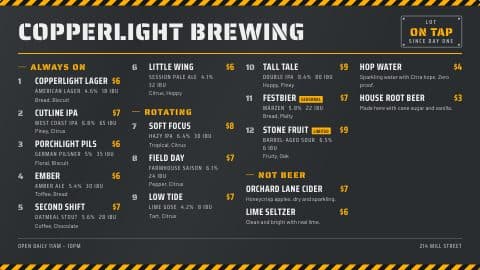
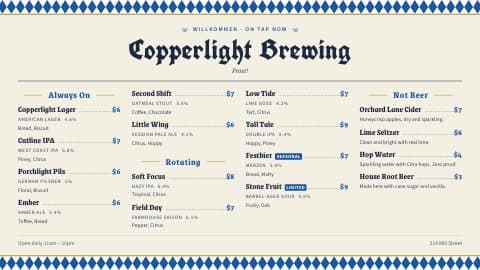
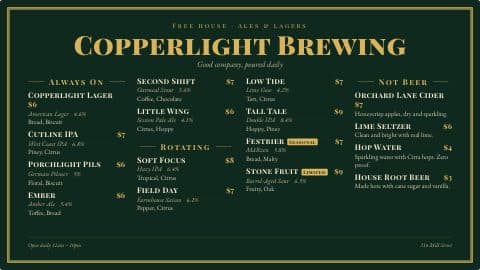
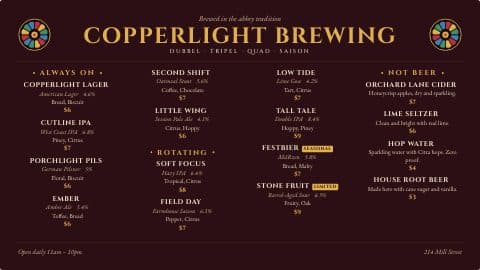
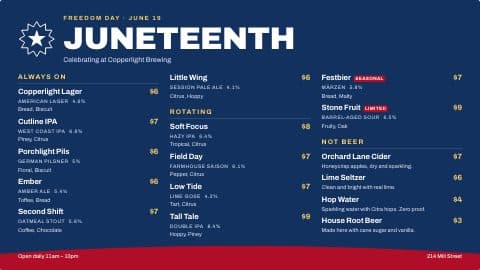
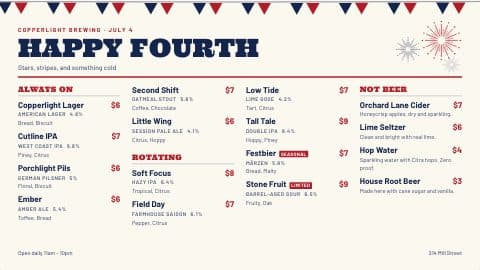
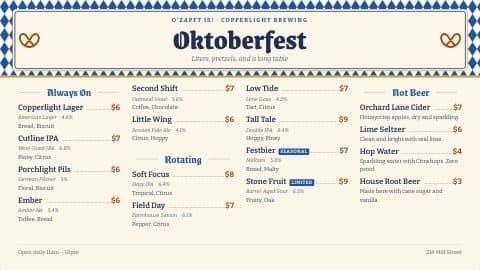
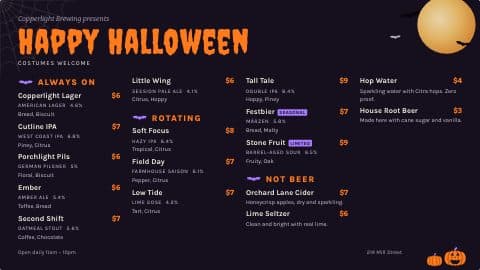
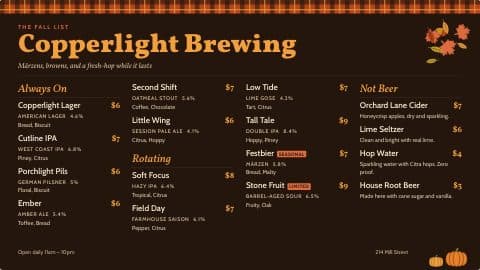
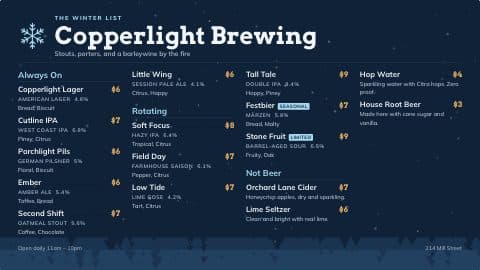
Start from a template
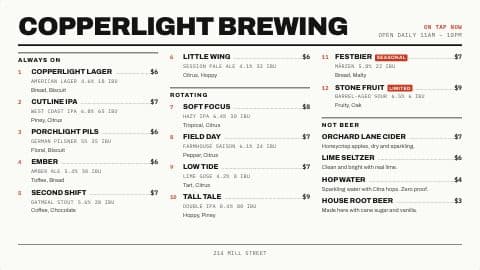
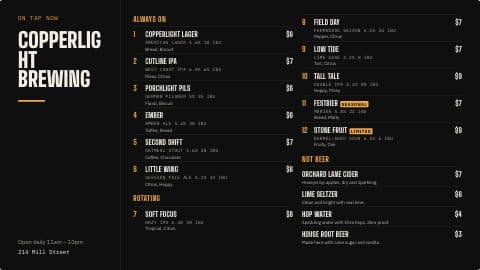
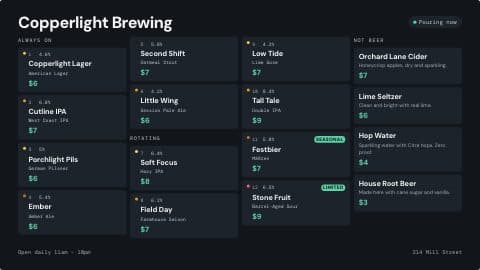
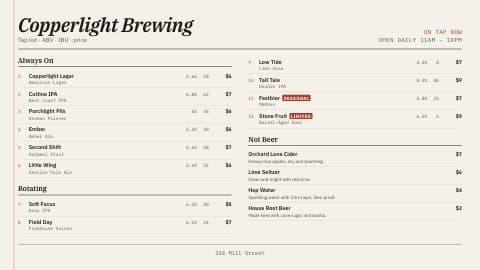
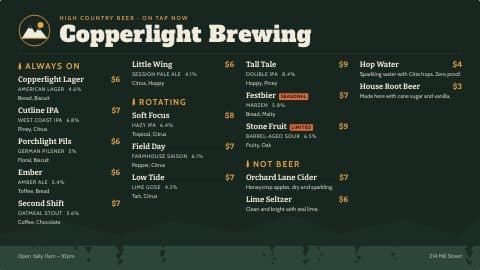
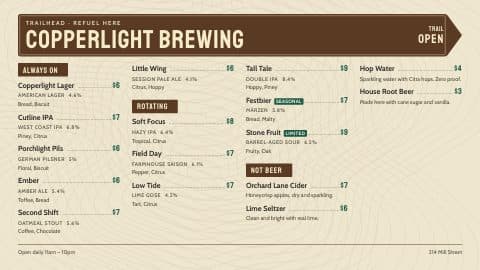
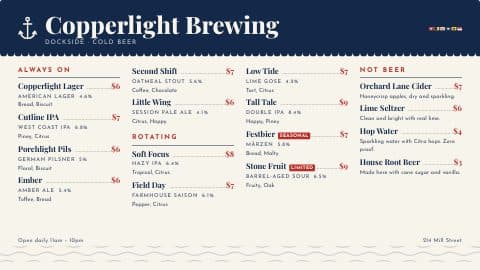
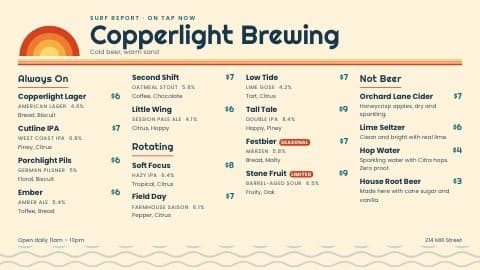
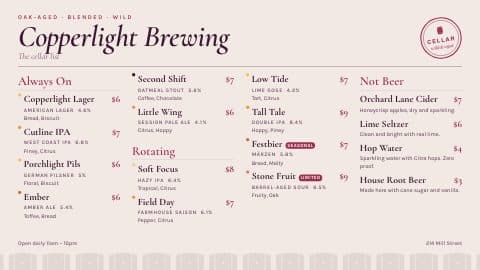
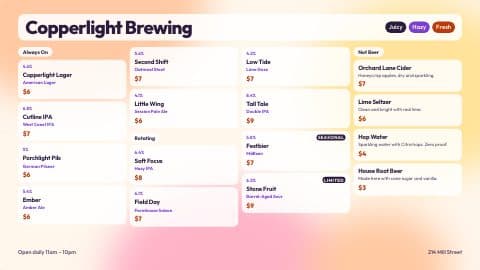
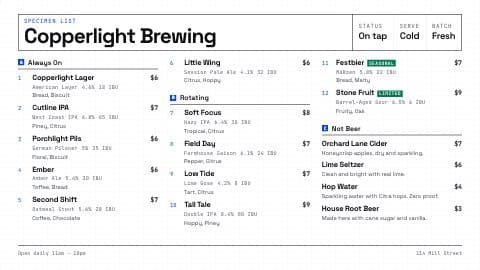
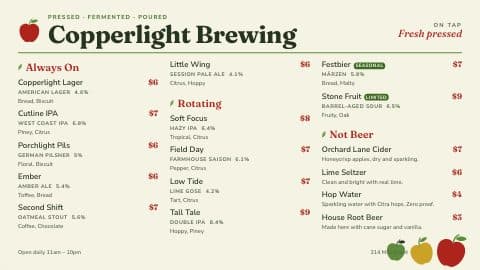
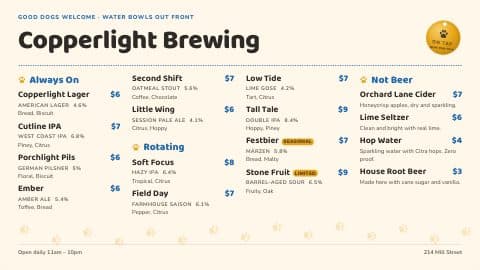
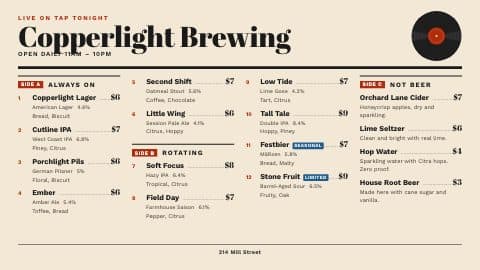
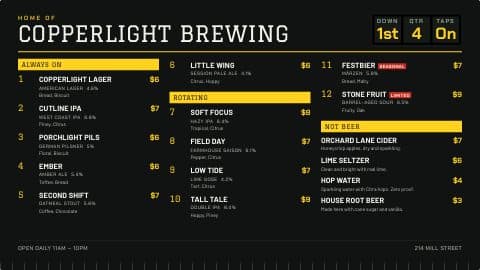
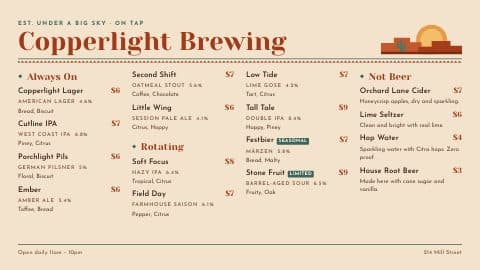
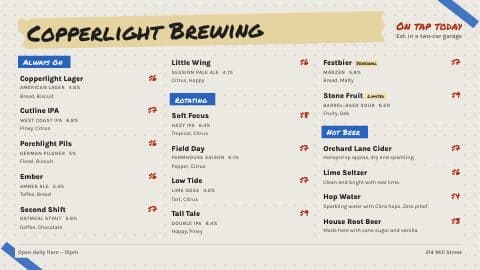
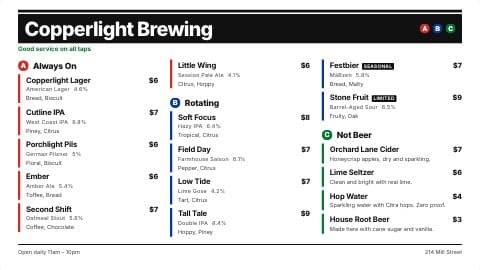
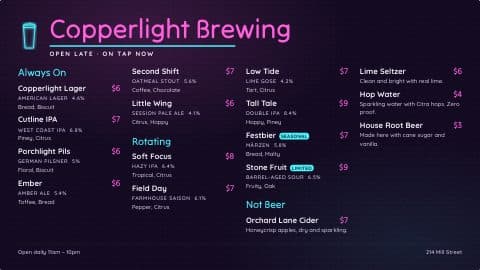
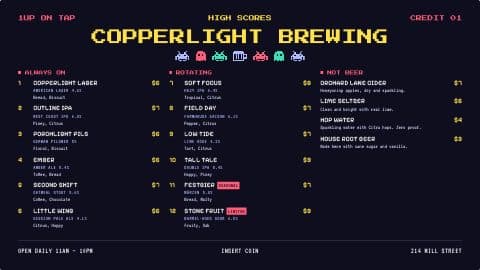
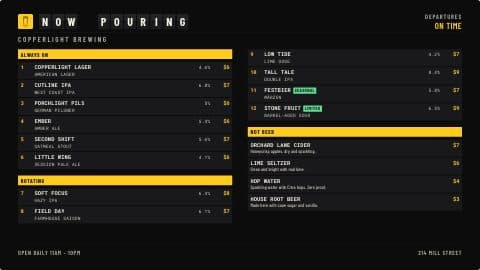
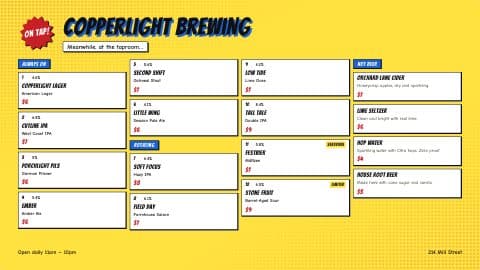
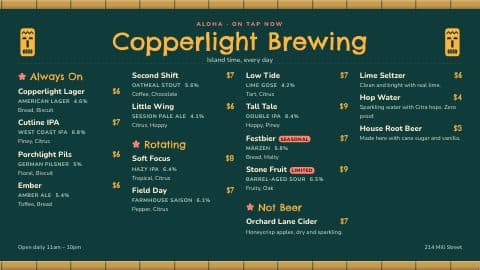
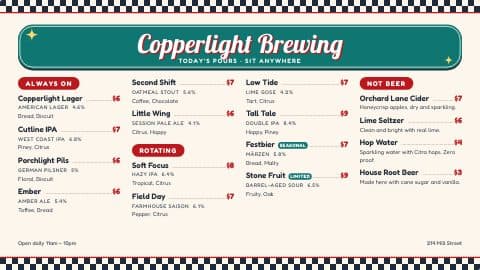
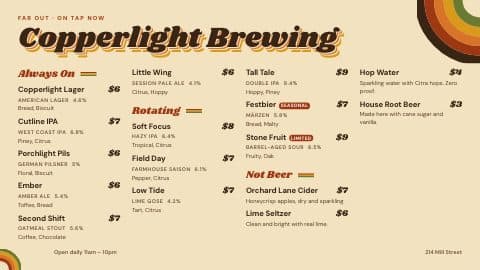
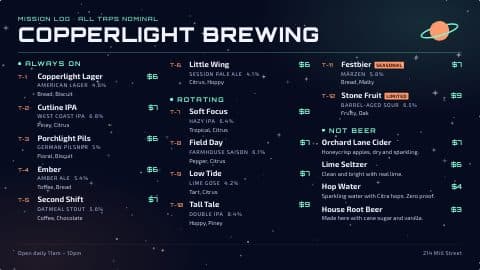
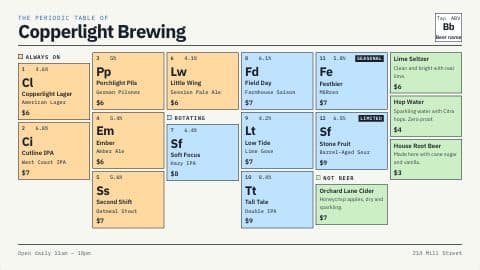
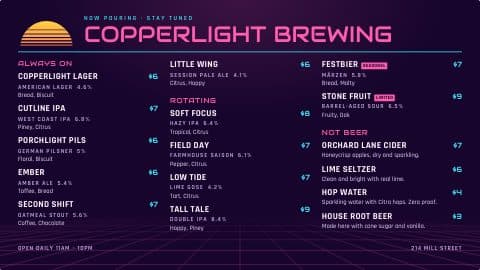
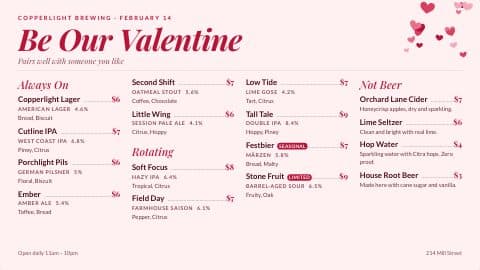
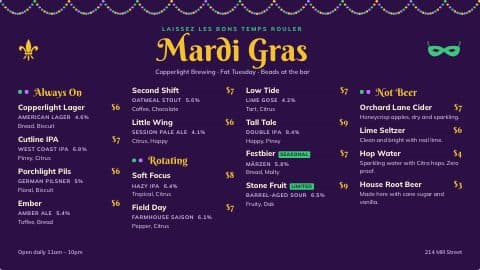
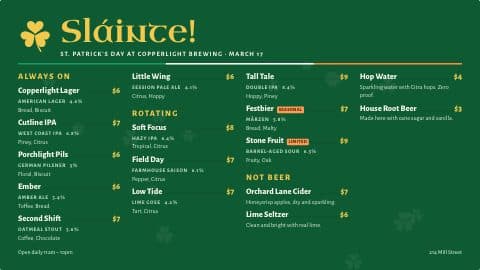
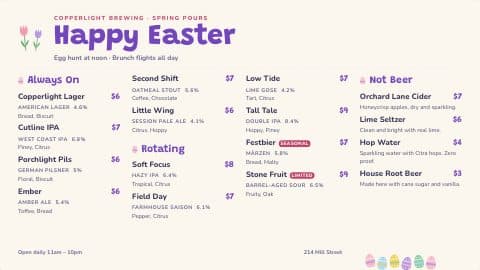
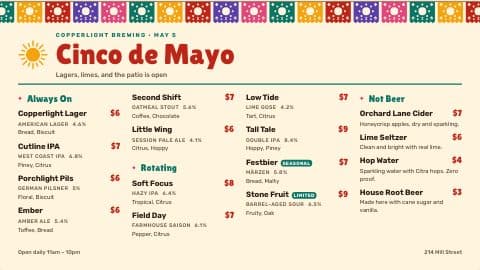
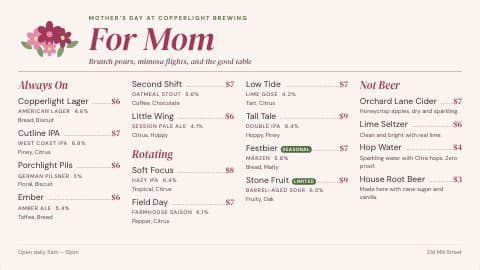
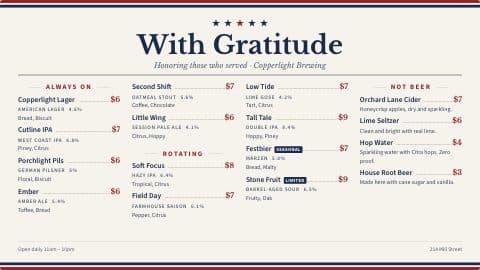
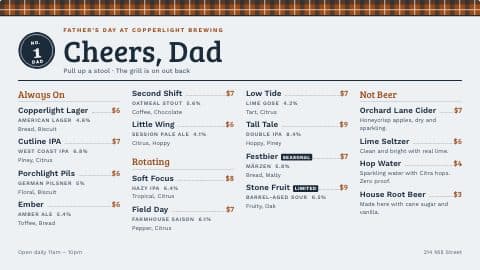
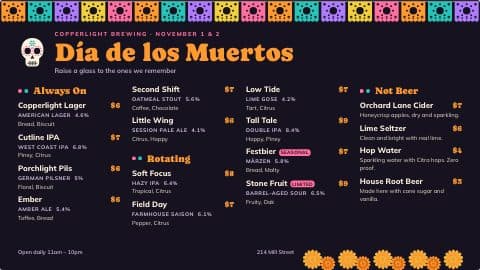
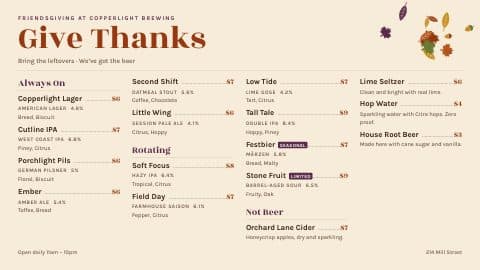
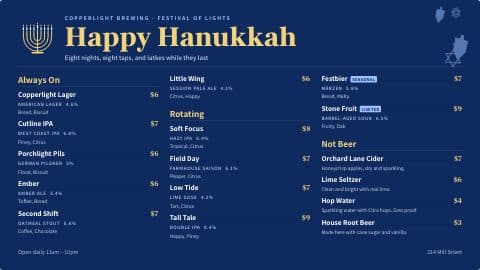
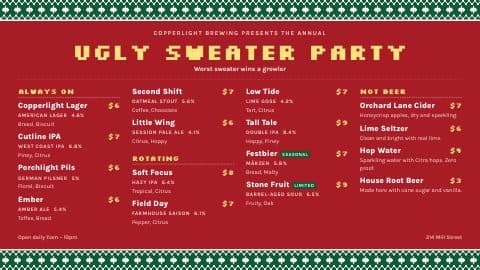
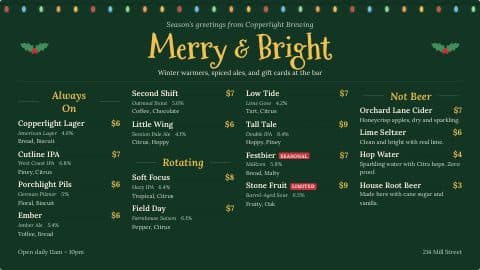
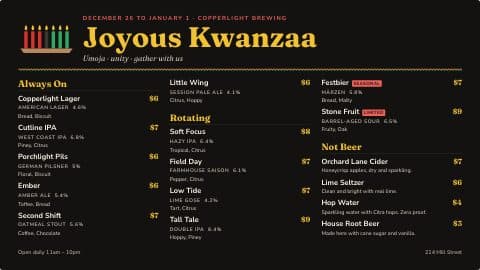
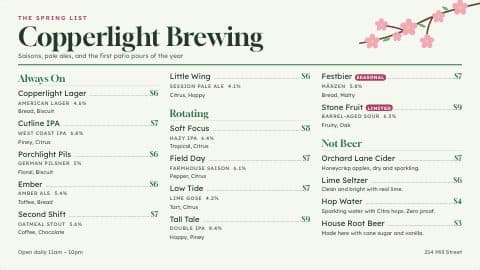
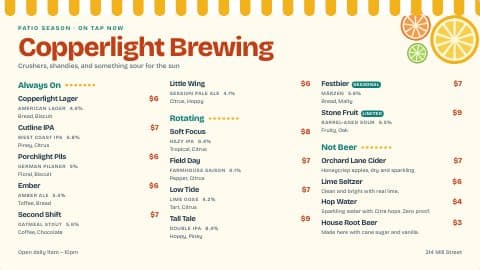
100+ templates to start from. Change anything.
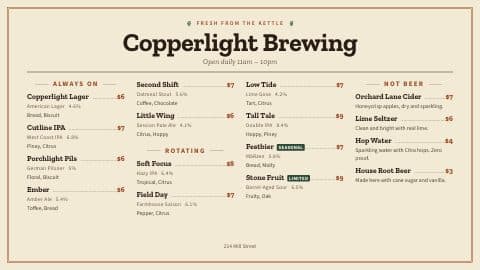
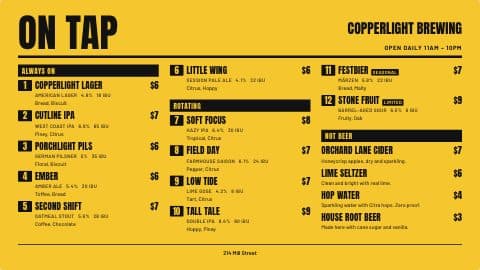
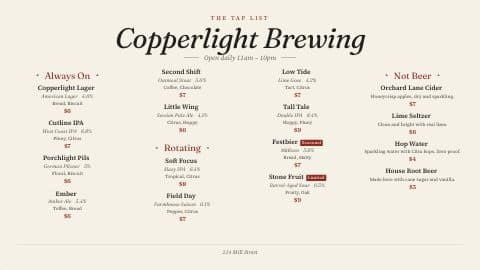
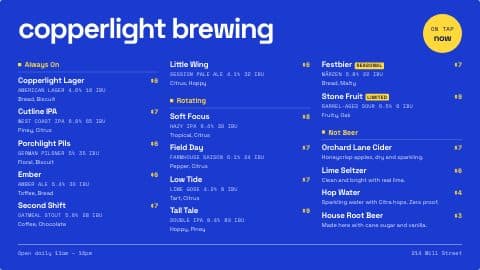
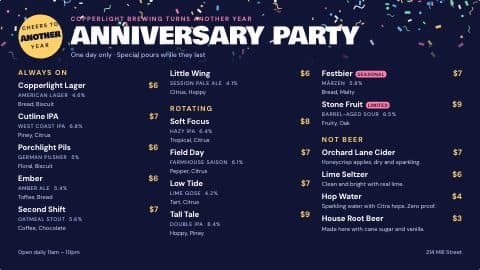
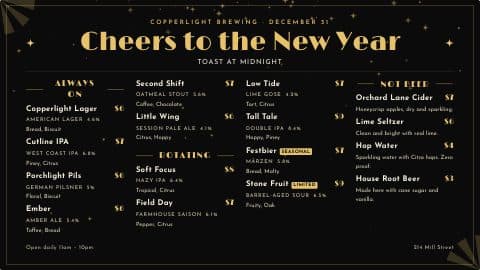
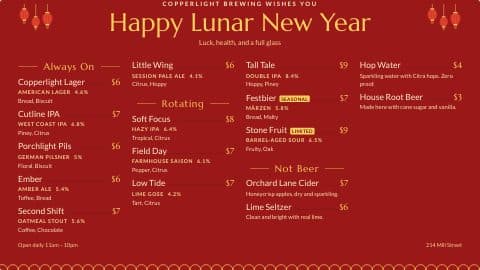
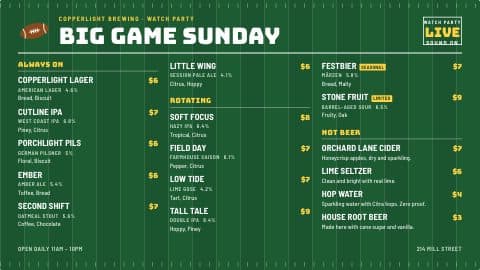
Pick one for your TV, website and printed menus, then make it yours: the colors, the fonts and the card each beer sits on.
Coming from another app?
How PintDeck compares.
What does switching cost?
Nothing. Sign up, bring your list in and set up your menus during your 14 free days.
Do I have to cancel my old menu app first?
No. Keep it running until your PintDeck menus are up, then switch the TVs and the website over.
Can I get help?
Yes. The setup guide walks you through each step, and it has a Talk to a person link.
What about my brew history?
Bring it in the same way: one batch per row, and each beer’s batch charts fill in.
Tell us what you pour and what’s giving you headaches.
14 days free · Cancel anytime · Import your beer list