TV menus that run themselves.
Pick one of 100+ templates or make your own, mix in promotions, and let playlists and scheduled changes keep every screen right.
- Your look
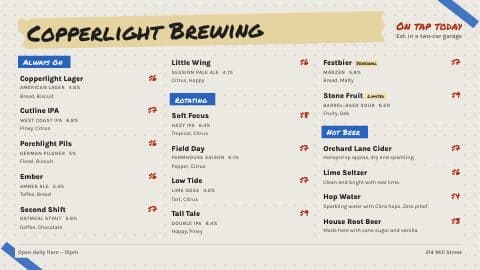
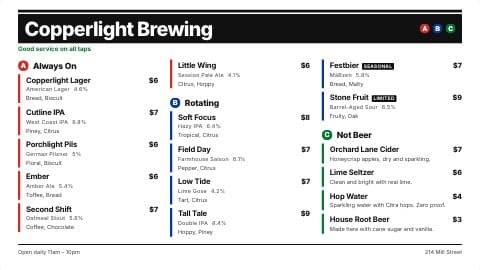
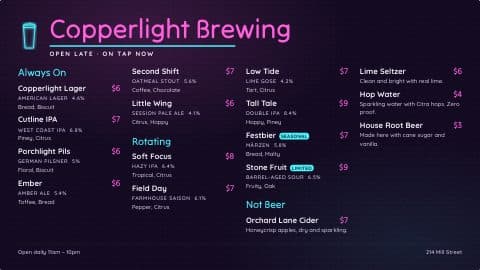
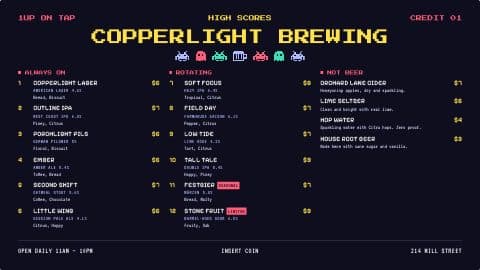
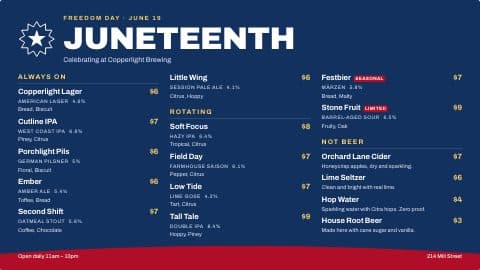
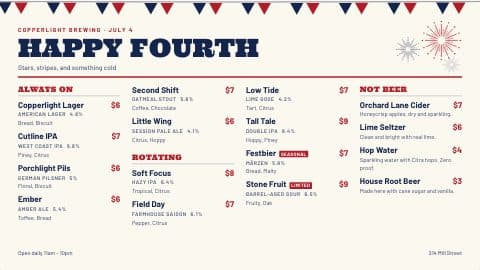
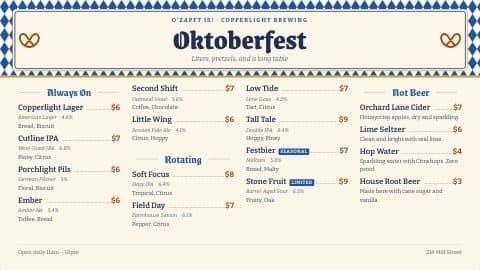
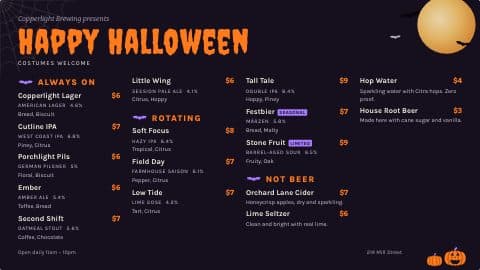
Any template, horizontal or vertical. Change any font, color or line, and save it as yours.
- PromotionsBrewhouse
Upload a flyer, or build one with text over a photo.
- Playlists
Menus and promotions take turns on each TV, for as long as you set.
- Scheduled changesBrewhouse
Prices, promotions and taps change on the day and time you pick.
- Fire TV or any browser
Type the 6-digit code. Changes show up in seconds. Apple TV and Roku are coming soon.
2 TV menus and playlists on Taster · unlimited from Brewhouse · any number of TVs
On the Taproom TV now: Taproom TV
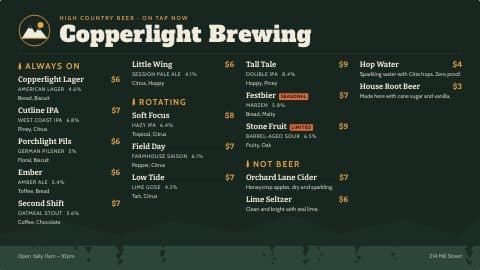
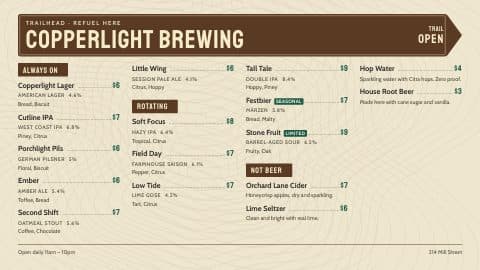
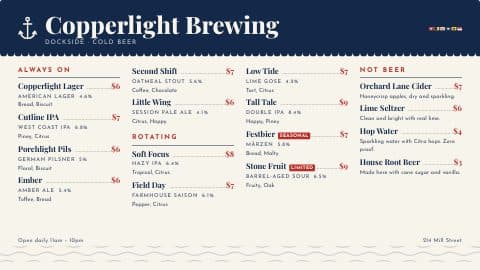
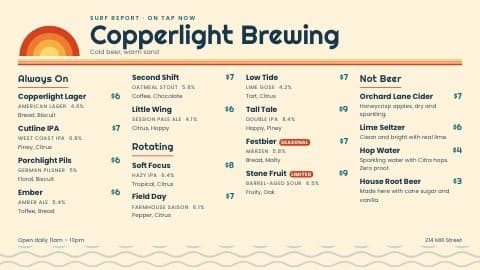
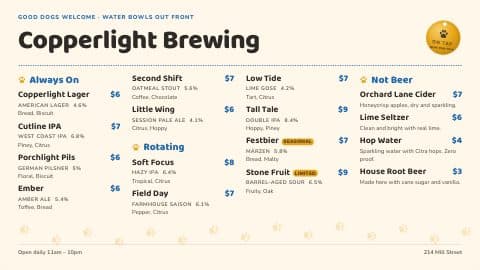
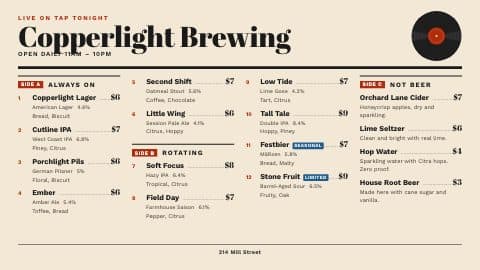
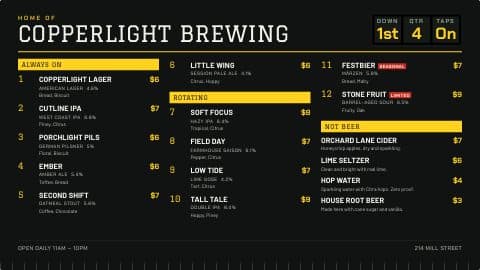
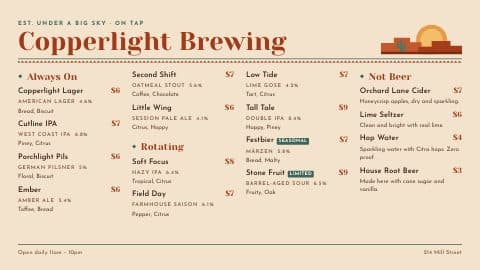
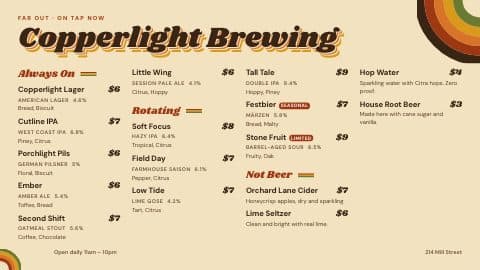
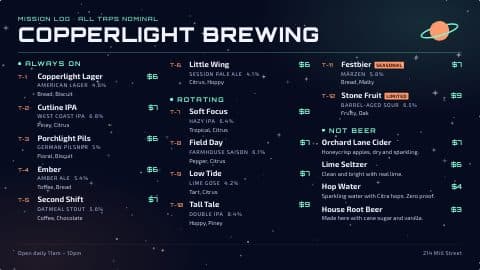
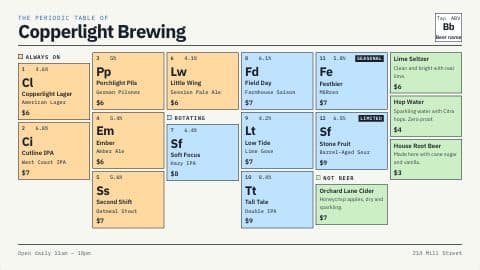
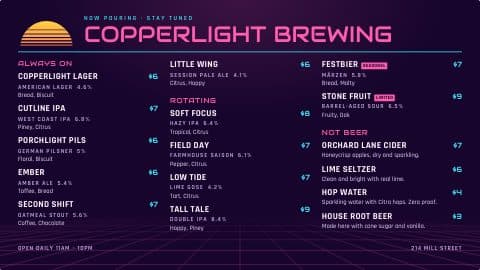
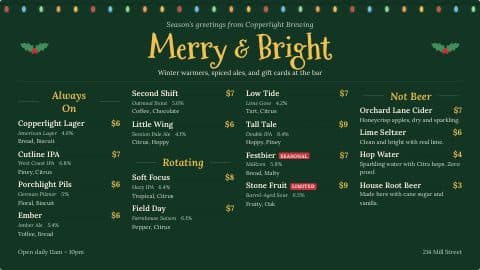
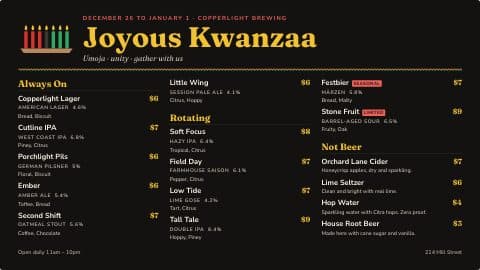
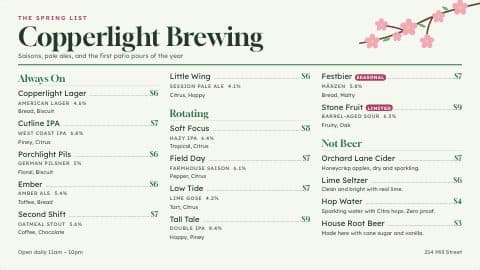
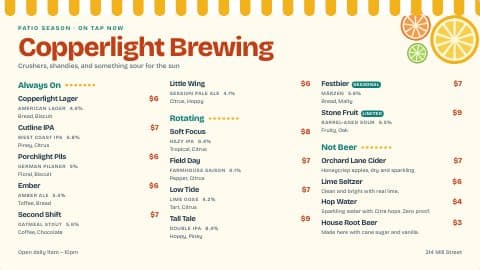
01 · Your look
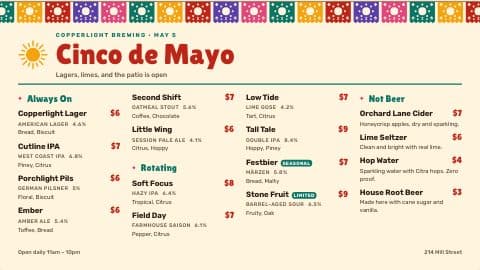
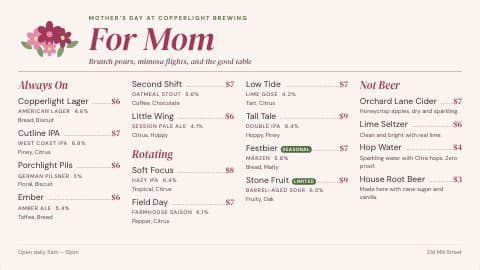
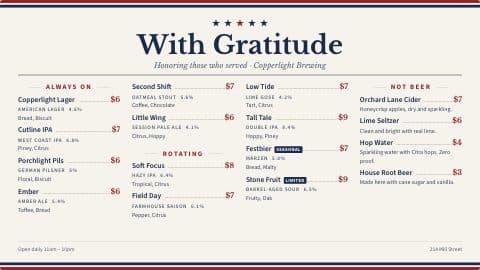
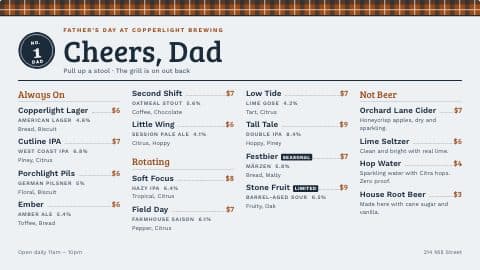
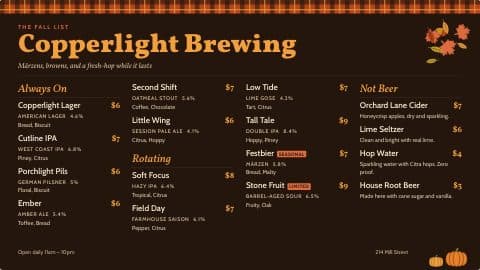
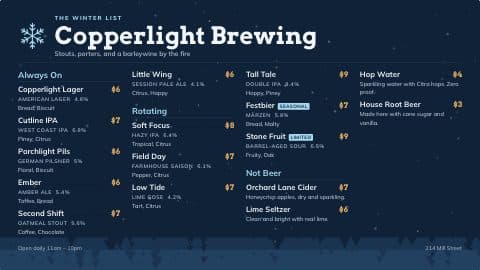
Make it look like your taproom.
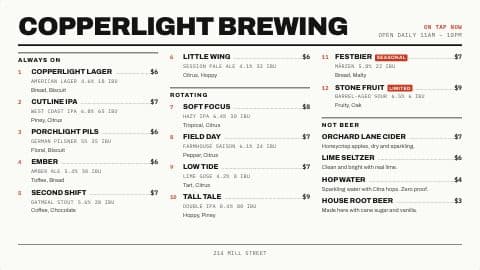
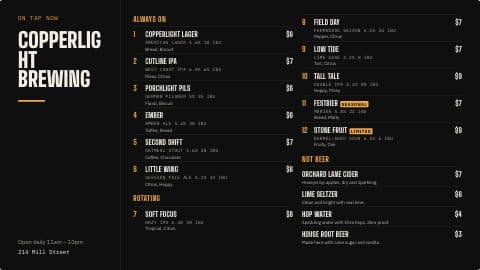
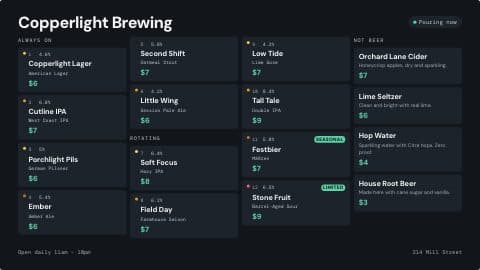
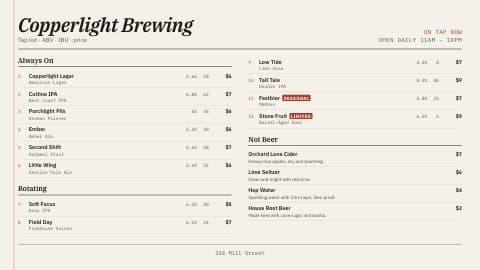
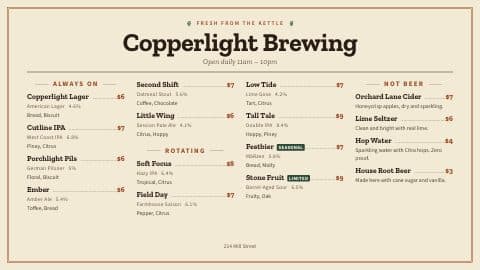
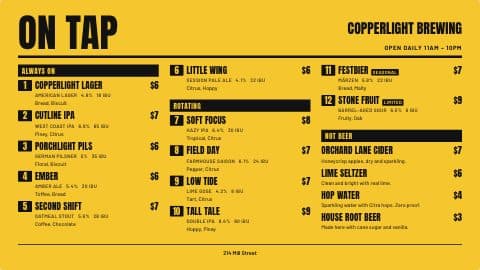
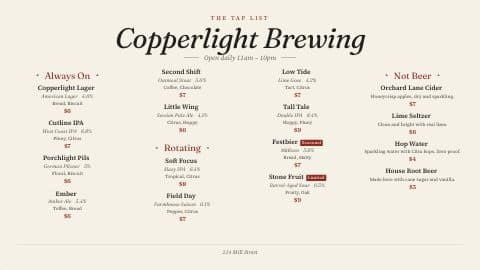
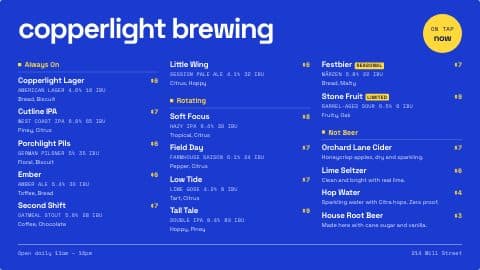
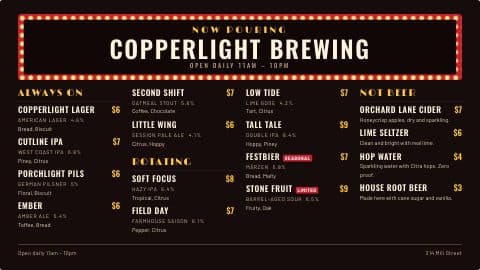
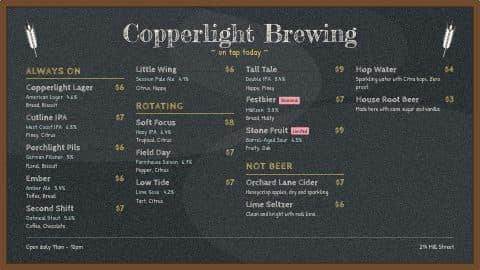
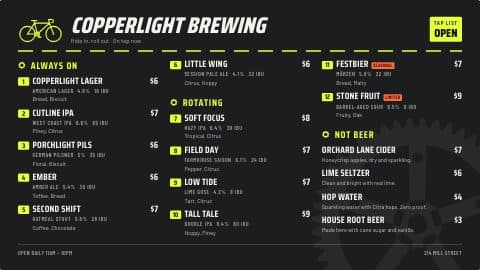
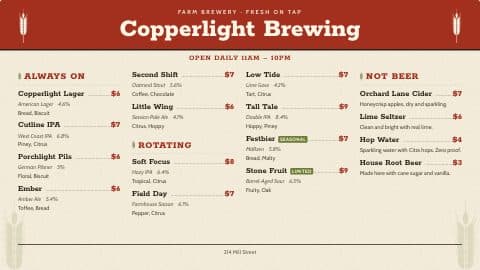
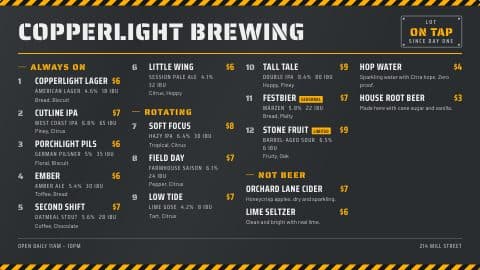
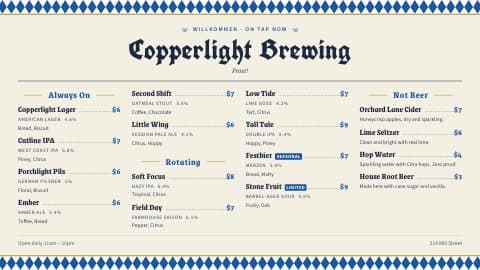
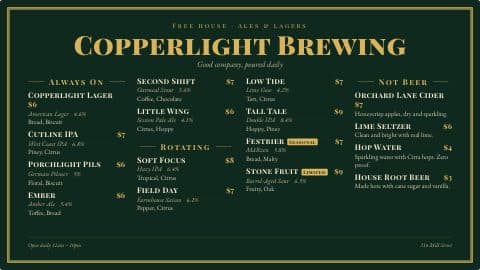
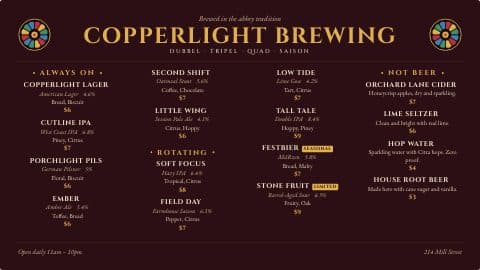
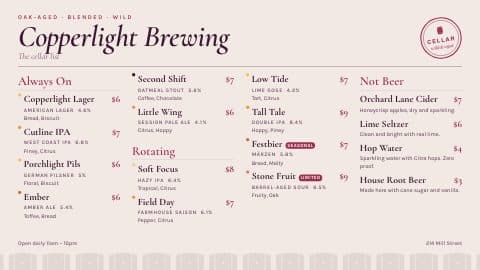
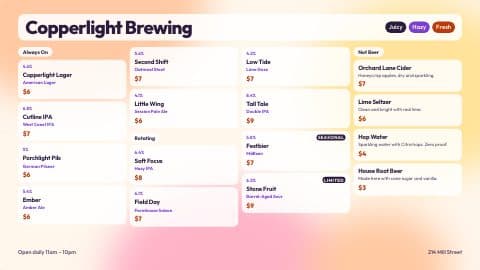
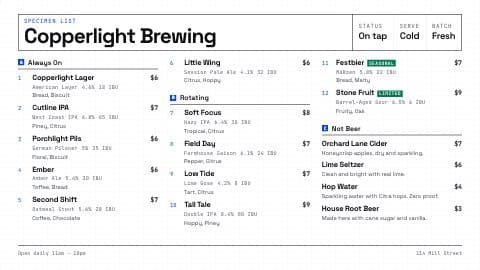
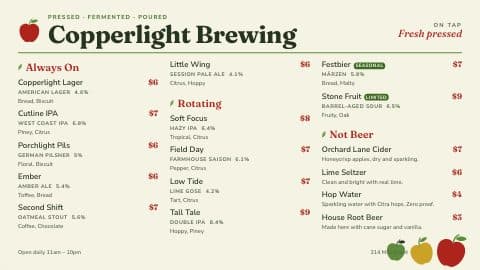
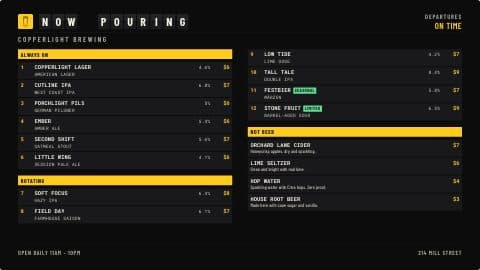
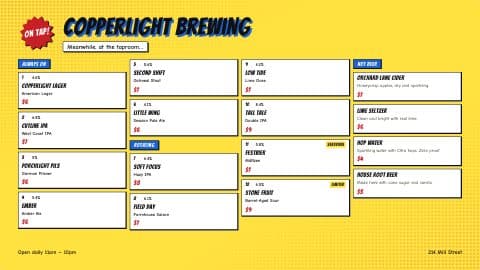
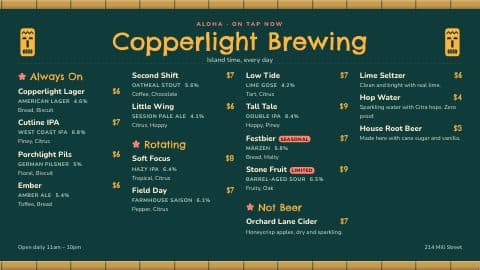
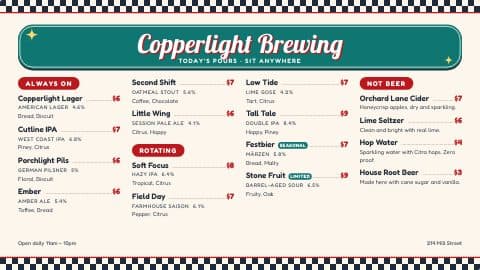
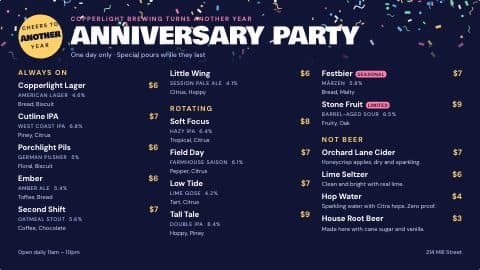
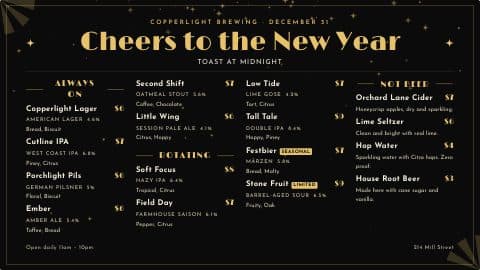
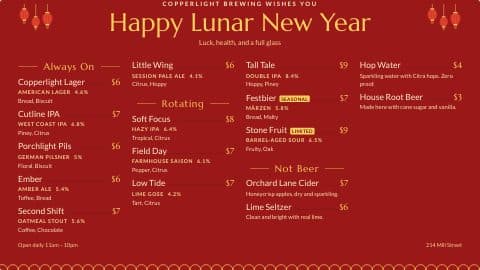
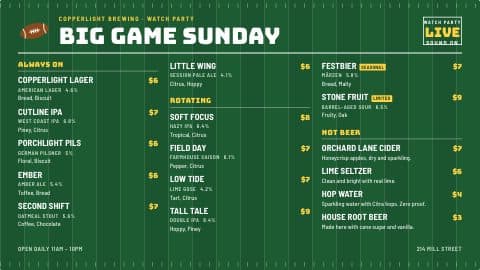
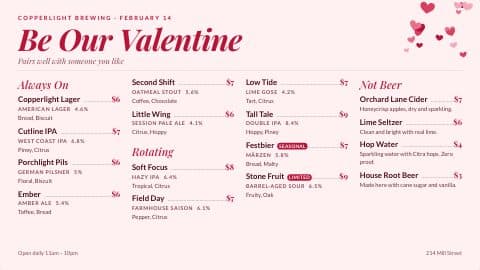
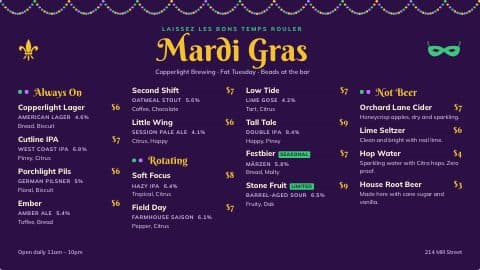
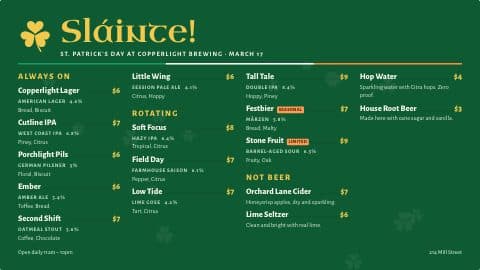
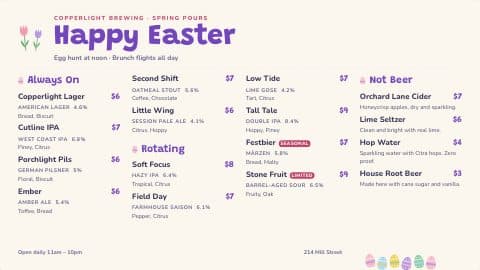
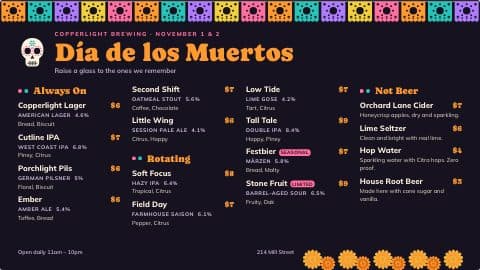
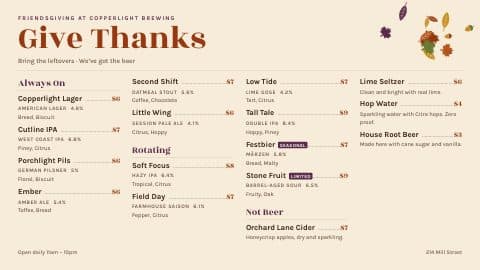
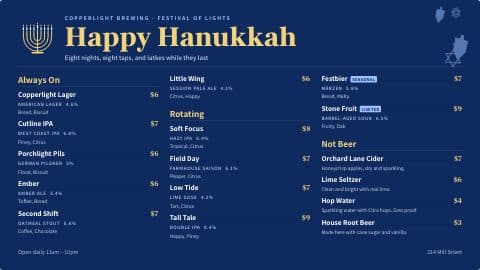
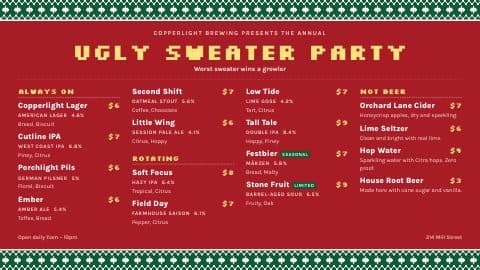
Start from one of 100+ templates, holidays included, and we’re always adding more. Then change any font, color or line on the card. Horizontal or vertical, and save it as your own template for next time.
- 100+ Google fonts for the menu and its headers
- Pick what each line shows: tap number, prices, style, ABV, IBU, flavor notes
- Background colors and photos, borders, spacing
- Saved templates are shared with your team
02 · Promotions
Promotions between the menus.
Upload a flyer you already have, or build one here: text, images, icons and a QR code over a color or a photo. Each layer can fade, slide or zoom in.
- Upload JPEG, PNG, GIF or WebP
- Text, images, icons and QR codes
- Enter animations, and a gentle float or pulse while it’s up
- Or generate a background with AI, on Reserve
03 · Playlists
One TV, more than one thing to show.
A playlist plays your menu, then a promotion, then the next, each for as many seconds as you give it, and loops. Every TV gets its own.
- Menus, promotions, tournament brackets and leaderboards
- Seconds per item, in any order
- Fade, slide, zoom or flip between them
On the Taproom TV now: Taproom TV
04 · Scheduled changes
Set it today. It changes Friday at 3.
Schedule a change for any day and time: new prices, a beer going on tap, a promotion joining a playlist. It happens on the minute, whether or not you’re there.
- Prices, availability and which tap a beer is on
- Add a promotion to a playlist, or take one off
- Have a promotion or a tap change undo itself later
- Every change listed, upcoming and done
Field Notes and Sidereal at $8 and $7
05 · Fire TV
Plug in a Fire TV and type a code.
The PintDeck app for Fire TV, or any screen with a web browser, loads a menu or playlist from its 6-digit code. Change something in PintDeck and the TV shows it within seconds.
- The last five codes are a click away
- See which TVs are playing right now
- No special TVs or players to buy
- Apple TV and Roku apps coming soon
Rotate menus, promotions, and dashboards on each TV with a 6-digit code.
48291350sOn now7301841m 15sOn now21556045sLast seen 2 days agoDo I need a special TV?
No. A Fire TV stick on any TV, or any screen with a web browser. Type the menu’s 6-digit code and it loads.
Does it work on Apple TV or Roku?
Not yet. Apple TV and Roku apps are coming soon. Until then, menus play on Fire TV, or on any screen with a web browser.
How fast do changes show up?
Within seconds. Each TV listens for changes, and checks again every 90 seconds in case it missed one.
Can I make my own design?
Yes. Start from any template or a blank screen, change what you like, and save it as a template your team can use again.
How many TVs can I run?
As many as you like, on every plan. Your plan counts the TV menus and playlists you make, not the TVs they play on. Taster comes with two of each, and from Brewhouse up they’re unlimited. Any menu or playlist can play on as many TVs as you want, so one menu can run on all five TVs in your taproom.
Which plan has promotions and scheduled changes?
Brewhouse and Reserve.
Add when you’re ready
The other two parts.
Tell us what you pour and what’s giving you headaches.
14 days free · Cancel anytime · Import your beer list